
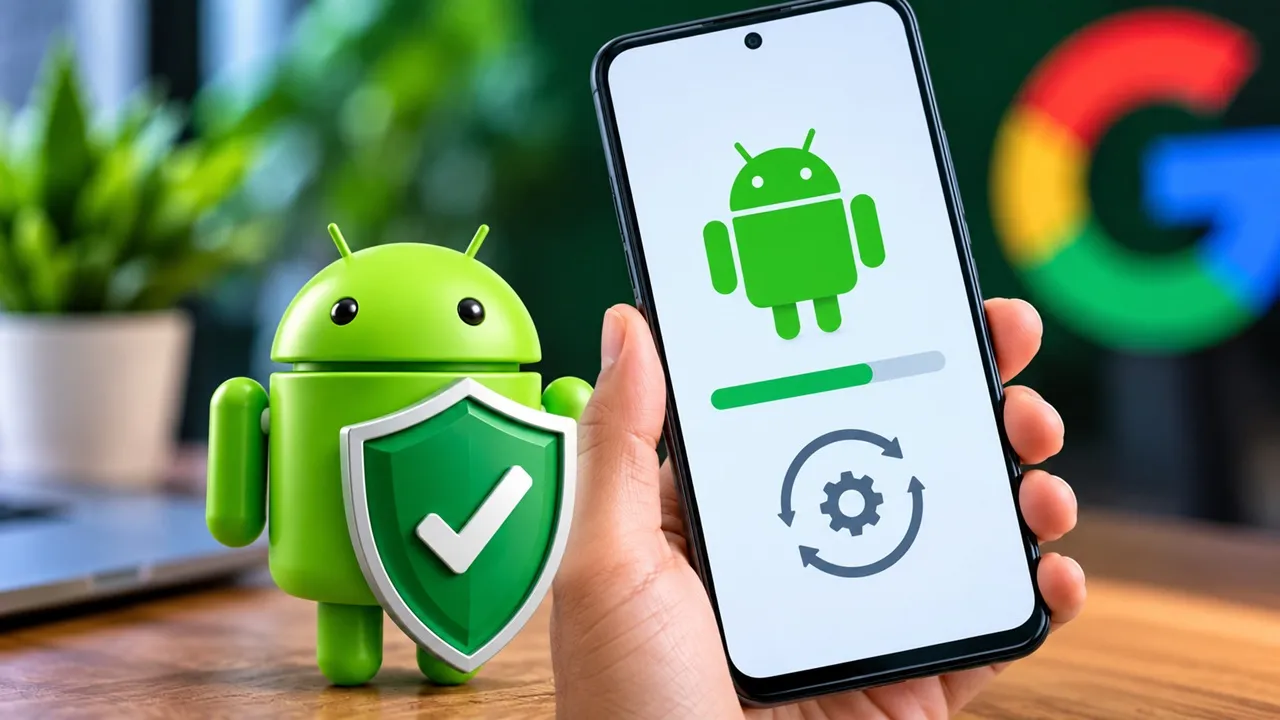
Android Security Update September 2026: If you use an Android smartphone, checking your software update may be important. Google has released its September 2026 Android Security Bulletin with security fixes for multiple vulnerabilities affecting Android components.
Google’s bulletin includes security fixes for issues that could potentially affect different parts of the Android operating system. Depending on the vulnerability, the potential impact can include remote code execution, privilege escalation, denial of service and sensitive information disclosure.
Quick Check: On your Android phone, open Settings → About Phone → Android Version → Android Security Update and check the date of your current security patch.
What Did Google Fix in Android?
Google’s September 2026 Android Security Bulletin addresses several security vulnerabilities affecting different Android components.
According to Google, the bulletin includes fixes for serious vulnerabilities affecting system components. Some vulnerabilities could potentially allow an attacker to execute code remotely or gain additional privileges on an affected device.
The September security update includes fixes related to components such as Android System, Framework, Kernel and other parts of the Android platform.
Key Android Security Areas Covered
| Security Area | Potential Impact |
|---|---|
| Android System | Security vulnerabilities in system components |
| Android Framework | Issues that could affect system security |
| Kernel | Vulnerabilities affecting core system functions |
| System Components | Various security issues addressed through patches |
September 2026 Android Security Patch: What You Need to Know
Google’s September Android security bulletin includes two main security patch levels:
| Security Patch Level | Details |
|---|---|
| 2026-09-01 | September 1, 2026 security patch level |
| 2026-09-05 | September 5, 2026 security patch level |
Google states that the 2026-09-05 security patch level covers the applicable fixes included in the September bulletin.
This means users should check the security patch date displayed on their smartphones rather than assuming that every Android device will receive exactly the same update at the same time.
How to Check if Your Android Phone Has Received the Update
Checking your Android security patch is relatively simple. The exact menu names can vary depending on the smartphone manufacturer and Android version.
- Open Settings.
- Go to About Phone or Security & Privacy.
- Open Android Version.
- Look for Android Security Update.
On some smartphones, the option may be available under Settings → Security & Privacy → System & Updates → Security Update.
Some manufacturers may use slightly different names for the same setting. If you cannot find it, use the Settings search option and type Security Update or Android Version.
What Date Should You Look For?
If your phone shows September 5, 2026 as its security patch date, it indicates that the device has received the applicable fixes associated with the September bulletin’s later patch level.
What If the September 2026 Android Update Has Not Arrived Yet?
If the September security update is not showing on your phone yet, there is no immediate reason to panic.
Google publishes the Android security bulletin, but individual smartphone manufacturers are responsible for preparing and distributing updates for their devices. This means the timing can vary between brands and models.
Pixel, Samsung, Xiaomi, OnePlus, Motorola, Vivo, Oppo and other manufacturers may release updates according to their own testing and rollout schedules.
1. Check for a Software Update
Open:
Settings → System/Software Update → Check for Updates
If an update is available, follow the instructions displayed on your phone.
2. Check Google Play System Update
Some Android security-related updates can also be delivered through Google Play system updates.
Open your phone’s settings and look for the Google Play system update option. If an update is available, install it and restart the phone if required.
3. Wait for the Official Manufacturer Rollout
If the OTA update is not available yet, check your smartphone manufacturer’s official support information for your specific model.
4. Do Not Download Unknown APKs or Firmware
Do not download security patches, firmware or APK files from random websites just because the official update has not arrived.
Installing unofficial software can create additional security risks and could potentially damage the device or compromise your data.
Why Should You Not Ignore Security Updates?
Many users postpone software updates because they assume updates are mainly about adding new features. Security updates are different.
Security patches are designed to address vulnerabilities that could potentially be exploited by attackers.
The September 2026 Android Security Bulletin includes fixes affecting Android System, Framework, Kernel and other components.
Important: If a security update is available for your device, installing it is an important step towards keeping your smartphone secure.
Does a Security Vulnerability Mean Your Android Phone Has Been Hacked?
No.
The presence of a vulnerability in a security bulletin does not mean that every Android phone has been hacked or that an attacker has accessed your device.
Google’s security bulletin describes vulnerabilities and the fixes developed to address them. The actual risk depends on the specific vulnerability, affected component, device configuration and whether the issue was exploited.
Users should therefore avoid panic but should also avoid unnecessarily delaying available security updates.
Which Android Versions Are Affected?
Google’s September 2026 security bulletin covers vulnerabilities affecting different Android versions and components.
| Android Version | Security Update Coverage |
|---|---|
| Android 14 | Applicable security fixes may apply depending on device and component |
| Android 15 | Applicable security fixes may apply depending on device and component |
| Android 16 | Applicable security fixes may apply depending on device and component |
| Android 17 | Applicable security fixes may apply depending on device and component |
This does not mean that every smartphone running Android 14, Android 15, Android 16 or Android 17 will receive exactly the same update.
The actual update depends on the smartphone manufacturer, model, region and the components included in the device.
How to Keep Your Android Phone Secure Right Now
- Check your Android Security Patch date.
- Manually check for a software update.
- Install official updates when they become available.
- Check Google Play system updates.
- Avoid unknown APKs and unofficial software.
- Install apps only from trusted sources.
Security Checklist
| Security Check | What You Should Do |
|---|---|
| Android Security Patch | Check the latest patch date |
| Software Update | Check for available OTA updates |
| Google Play System | Check for available system updates |
| Apps | Install apps from trusted sources |
| APK Files | Avoid unknown or unofficial APKs |
| Firmware | Use only official manufacturer software |
What If Your Security Patch Is Old?
If your phone still shows an older security patch, first open the Software Update section and manually check for a new update.
If no update is available, the manufacturer may not have completed the rollout for your particular model or region yet.
In that situation, check the manufacturer’s official support information instead of downloading a security patch or firmware package from an unofficial website.
Why Android Security Updates Can Arrive at Different Times
Google publishes Android security fixes, but smartphone manufacturers often need to adapt and test those fixes for their own devices.
This is one reason why a security bulletin can be published by Google while the corresponding OTA update is still unavailable on some smartphones.
| Stage | What Happens |
|---|---|
| 1. Google Security Bulletin | Security vulnerabilities and fixes are published |
| 2. Manufacturer Testing | Device-specific software is prepared and tested |
| 3. OTA Rollout | Update begins reaching supported devices |
| 4. Regional Rollout | Availability may vary by model and region |
What Should Android Users Do Now?
The most practical step is to check your phone’s current security patch date.
On most Android phones, you can find it under:
Settings → About Phone → Android Version → Android Security Update
If your device has an available September 2026 security update, install it through the official update mechanism.
If the update is not available yet, continue checking the manufacturer’s official update channel rather than installing software from an unknown source.
Conclusion
The September 2026 Android Security Bulletin is important for Android users because Google has addressed security vulnerabilities affecting multiple Android components.
The bulletin includes security fixes associated with patch levels dated 2026-09-01 and 2026-09-05, with the later patch level covering the applicable fixes included in the September bulletin.
However, the availability of the update can vary depending on the smartphone manufacturer, device model and region.
Android users do not need to panic simply because a security vulnerability has been listed. A vulnerability does not automatically mean that a particular phone has been hacked. The important step is to keep the device updated when an official security patch becomes available.
Check Your Security Patch Now
Settings → About Phone → Android Version → Android Security Update
Check the date shown on your phone and install any available official update.
Frequently Asked Questions (FAQ)
How can I check my Android Security Update?
Go to Settings → About Phone → Android Version and look for the Android Security Update date. The exact menu may vary by manufacturer.
Is the September 2026 Android Security Update important?
If an official security update is available for your smartphone, installing it is recommended because security fixes are included to address known vulnerabilities.
What if the September 2026 update has not arrived on my phone?
Check for updates manually. If no update is available, the rollout may not have reached your particular device or region yet. Check your smartphone manufacturer’s official support information.
Can an old Android Security Patch automatically mean my phone will be hacked?
No. Having an older security patch does not automatically mean that your phone has been hacked. However, installing available security updates is an important part of maintaining device security.
Should I download an APK to install the Android Security Update?
No. Avoid downloading security patches or firmware from random websites. Use your phone’s official update system or information provided by the device manufacturer.
Android security update availability can vary by device, manufacturer, Android version and region. Users should rely on official software update channels and manufacturer support information for their specific smartphone model.










2 thoughts on “Android Phone Users Beware: Google Fixes Security Flaws, Here’s How to Update Your Phone”