
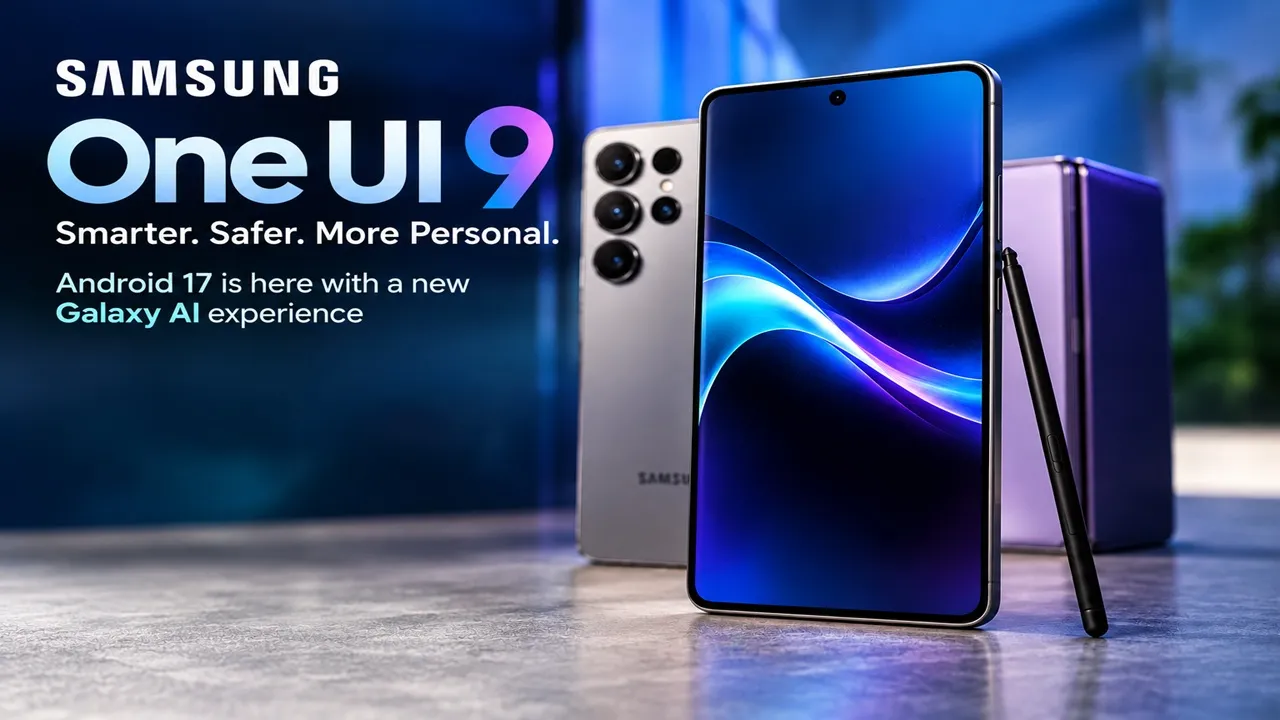
Samsung’s One UI 9 rollout has officially entered its next phase, and this update is much more than a routine Android upgrade. Based on Android 17, One UI 9 combines Galaxy AI, camera intelligence, privacy protection and everyday convenience features into a more context-aware Galaxy experience.
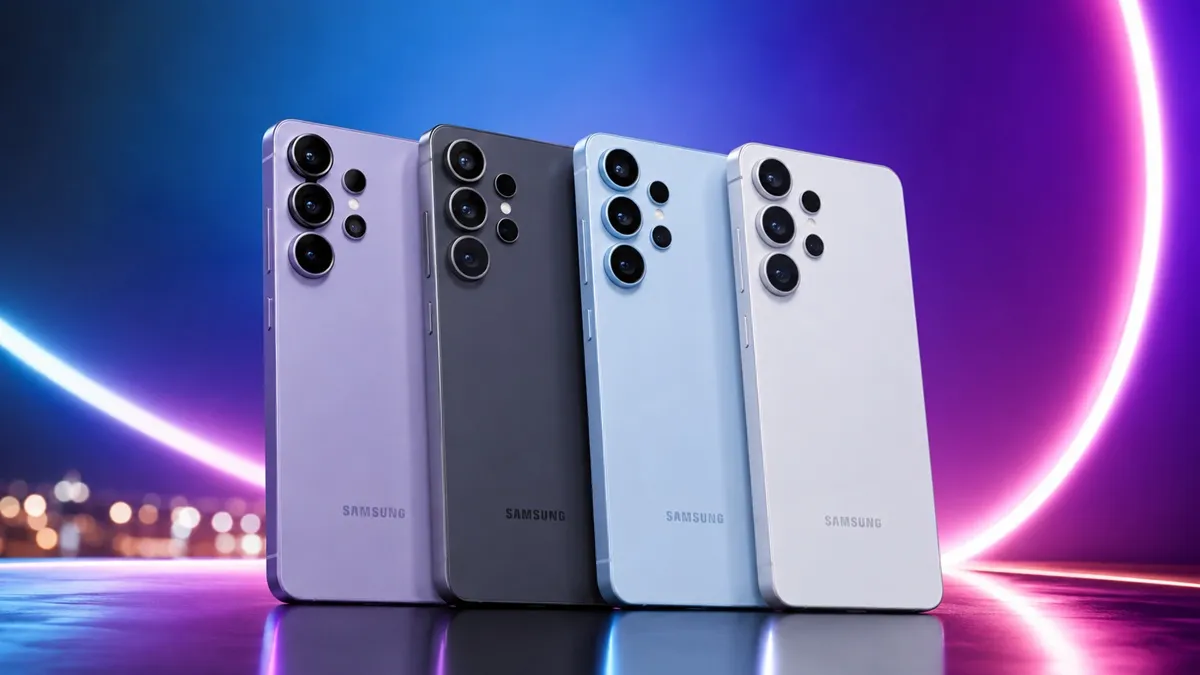
The rollout started with Samsung’s newest Galaxy devices, but the bigger story is what happens next: the Galaxy S25 series and Galaxy Z Fold 7/Z Flip 7 are among the next devices scheduled for the update, while several older Galaxy smartphones and tablets are also part of Samsung’s broader rollout.
However, there is an important catch that Galaxy users should know: getting One UI 9 does not necessarily mean getting every new Galaxy AI feature. Samsung is separating software availability from individual AI-feature compatibility depending on the device.
One UI 9 Is Samsung’s Android 17 Upgrade
One UI 9 is Samsung’s latest major software interface built on Android 17. The update is designed around three major ideas: making Galaxy AI more useful in everyday situations, reducing the number of steps required to complete common tasks, and giving users better visibility into privacy and device security.
Samsung initially introduced One UI 9 on its newest foldable generation before beginning the wider rollout to the Galaxy S26 family. The stable rollout for the Galaxy S26, Galaxy S26+ and Galaxy S26 Ultra began on September 16, 2026, with availability expanding by market.
Why One UI 9 Is More Interesting Than a Typical Android Update
At first glance, One UI 9 could look like another yearly software upgrade. But Samsung is taking a different approach this time.
Instead of building the update around one giant headline feature, Samsung is spreading AI throughout the Galaxy experience.
That means AI can appear while recording videos, reading conversations, managing daily information, translating discussions, checking device security and even deciding what information should appear in your daily briefing.
The result is an update that is less about changing the look of the phone and more about changing how the phone responds to what the user is doing.
My FanCam Could Be One of One UI 9’s Most Useful Camera Features
One of the most interesting additions is My FanCam.
The feature can automatically track a selected person in a recorded video and keep that person centered in the frame by intelligently reframing the footage.
Imagine recording a school performance, a football match, a dance performance or a family event. Instead of manually editing the video to keep one person in focus, My FanCam can do much of that work automatically.
Why My FanCam Matters for Social Media Creators
This feature could be particularly useful for people who regularly create Instagram Reels, YouTube Shorts or other vertical videos.
A single recording can potentially become easier to adapt for different social-media formats because the software can maintain focus on the selected subject while the scene changes.
Samsung says the feature requires a Samsung Account, and results can vary depending on the video and whether a suitable subject can be tracked.
Now Brief Gets More Personal With Editable Cards
Samsung is also making Now Brief more flexible.
With One UI 9, users can get more control over the information presented through generative and editable cards. These can cover areas such as weather, health and video, allowing the daily briefing to become more relevant to the individual user.
This represents an important shift in Samsung’s AI strategy: instead of simply asking an AI assistant a question, the phone can proactively organize useful information around the user’s day.
Now Nudge: Samsung Wants Your Phone to Understand the Context
Another major feature is Now Nudge.
The idea is simple: when the phone detects a situation where an action may be useful, it can surface a contextual suggestion without forcing the user to leave the current task.
For example, if people are discussing plans through messages, relevant information such as a location or reservation details may become easier to access without jumping between multiple apps.
This is where One UI 9 starts to feel different from a conventional software update. Samsung is attempting to make the interface respond to the context of what the user is already doing.
Security Gets an AI Upgrade Too
One UI 9 is not only about creative AI features. Samsung is also using AI to make security information easier to understand.
Security Brief
Security Brief can bring important security and privacy information into Now Brief. It can highlight issues such as malware, apps from unknown sources and unnecessary permissions.
The goal is to make security warnings more visible instead of forcing users to manually dig through different settings menus.
Privacy Alerts
Privacy Alerts use on-device AI to identify potential privacy risks, including certain unnecessary attempts to access permissions in the background.
Samsung says Privacy Alerts are supported on a range of newer Galaxy smartphones, foldables and tablets, including selected S23, S24, S25 and Z-series devices.
Scam Detection Is Expanding
Samsung is also expanding its Scam Detection feature to additional countries and languages.
According to Samsung, Scam Detection availability includes India, Canada and Japan, although availability can vary depending on the country, language, device model and software version.
For users in India, this is particularly relevant because scam calls and fraudulent communications have become an increasingly common smartphone problem.
One UI 9 Also Improves Everyday Galaxy Tools
AI may be the headline, but Samsung has made improvements across several everyday tools.
Interpreter Gets Thread View
The updated Interpreter experience introduces Thread View, designed to make translated conversations easier to follow by allowing users to reference previous exchanges.
Creative Studio Gets Smarter Suggestions
Creative Studio can suggest image-generation ideas based on upcoming events. For example, Samsung says users may receive creative prompts around occasions such as birthdays.
Warranty and Care Moves Into Settings
Samsung is also making device support more accessible through Warranty and Care.
Depending on the market and device, users can check warranty information, run diagnostics, view repair estimates and access Samsung Care+ or service-related options from the Settings experience.
But Here Is the Important Part: Not Every Galaxy Gets Every AI Feature
This is perhaps the most important detail about One UI 9.
One UI 9 compatibility and Galaxy AI feature compatibility are not exactly the same thing.
A phone may receive the Android 17-based One UI 9 update while certain AI features remain unavailable on that particular model.
Samsung’s feature availability can depend on factors such as the device model, hardware capabilities, country, language, app support and account requirements.
That means Galaxy owners should not assume that an older phone will receive every AI feature shown in Samsung’s One UI 9 demonstrations.
Galaxy S25 and Z Fold 7/Z Flip 7 Owners Are Next in Line
Samsung’s rollout is moving beyond the Galaxy S26 family.
The Galaxy S25 series, Galaxy Z Fold 7 and Galaxy Z Flip 7 are scheduled to begin receiving One UI 9 from September 28, 2026, according to Samsung’s regional rollout information.
However, this date should not automatically be treated as a guaranteed worldwide arrival date. Software updates are commonly distributed in stages, and availability can vary by market, carrier and device variant.
Galaxy S25 Series
- Galaxy S25
- Galaxy S25+
- Galaxy S25 Ultra
Galaxy Z Series
- Galaxy Z Fold 7
- Galaxy Z Flip 7
These devices are particularly interesting because Samsung is bringing several newer Galaxy AI experiences to them while continuing the broader One UI 9 rollout.
What About Older Galaxy Phones?
Samsung has indicated that One UI 9 will continue expanding to additional Galaxy devices.
The broader list includes selected devices from the Galaxy S, Z and Tab families. Samsung has also indicated support for devices such as the Galaxy S24 and S23 families, selected FE models, older foldables and newer Galaxy tablets.
However, the exact arrival date can differ between models and regions.
One UI 9 Rollout at a Glance
| Galaxy Device Group | One UI 9 Status | Important Detail |
|---|---|---|
| Galaxy Z Fold8 Ultra / Fold8 / Flip8 | Already available | One UI 9 debuted on the latest foldables |
| Galaxy S26 / S26+ / S26 Ultra | Rolling out | Stable rollout began September 16, 2026 |
| Galaxy S25 series | Next rollout phase | September 28 schedule reported for the regional rollout |
| Galaxy Z Fold7 / Z Flip7 | Next rollout phase | September 28 schedule reported for the regional rollout |
| Galaxy S23 FE | Later rollout | October timeframe reported |
| Other eligible Galaxy devices | Gradually expanding | Timing depends on model and market |
The Bigger Picture: Samsung Is Turning Galaxy AI Into an Operating Layer
The most interesting thing about One UI 9 is not any single feature.
It is the way Samsung is integrating AI into different parts of the phone.
Camera AI handles video reframing. Now Brief organizes information. Now Nudge understands context. Interpreter helps with conversations. Creative Studio assists with content creation. Privacy Alerts watch for potential privacy risks.
Instead of having one separate “AI app,” Samsung is increasingly treating AI as a layer that sits across the Galaxy experience.
Should Galaxy Users Install One UI 9 Immediately?
For users whose devices have received the stable update, the sensible approach is to check the update information and the feature availability for the specific model.
Because Samsung distributes major updates in stages, not seeing the update immediately does not necessarily mean the phone is unsupported.
Go to:
Settings → Software update → Download and install
If One UI 9 is available for your device and region, the update should appear there.
One UI 9 Is More Than Android 17 With a New Interface
Samsung’s latest software update is effectively combining three upgrades into one package: Android 17, a smarter One UI experience and a broader Galaxy AI ecosystem.
The biggest change may not be something users notice on the first day. The more significant shift is that Samsung is making AI increasingly contextual—helping with videos, conversations, daily information, security and device management instead of limiting AI to traditional chatbot-style interactions.
But there is one rule Galaxy users should remember: One UI 9 does not mean identical features across every Galaxy device. Samsung will continue to divide certain features according to device capability, region, language and other requirements.
So, if you are waiting for One UI 9, the real question is not simply “Will my Galaxy phone get Android 17?”
It is:
“Which parts of Samsung’s new AI experience will my Galaxy actually support?”
That distinction could become the most important part of the entire One UI 9 rollout.
Related News:
Chrome 153 Update: Google Chrome Gets 230 Security Fixes and a Major Change to Its Update System
Android Phone Users Beware: Google Fixes Security Flaws, Here’s How to Update Your Phone






1 thought on “Samsung One UI 9 Is Here: Android 17 Brings Smarter AI, New Camera Tools and a Major Security Upgrade to Galaxy Phones”